Trichromatic film scanning · 665 / 525 / 455 nm
The Frontier SP‑3000 look.
From your own camera.
Develop your colour negatives — no scanner needed. Three narrowband exposures in, a finished scan out, through the same kind of pipeline a real film lab's SP‑3000 and Pakon F‑135 run — stage by stage.
Not a filter, and not a model of one. One measurement per roll, then a whole roll that agrees with itself.
New to this? What three narrow bands change →
Free for 7 days and 15 rolls, no account · macOS 14+ & Windows 10 22H2+
What goes in
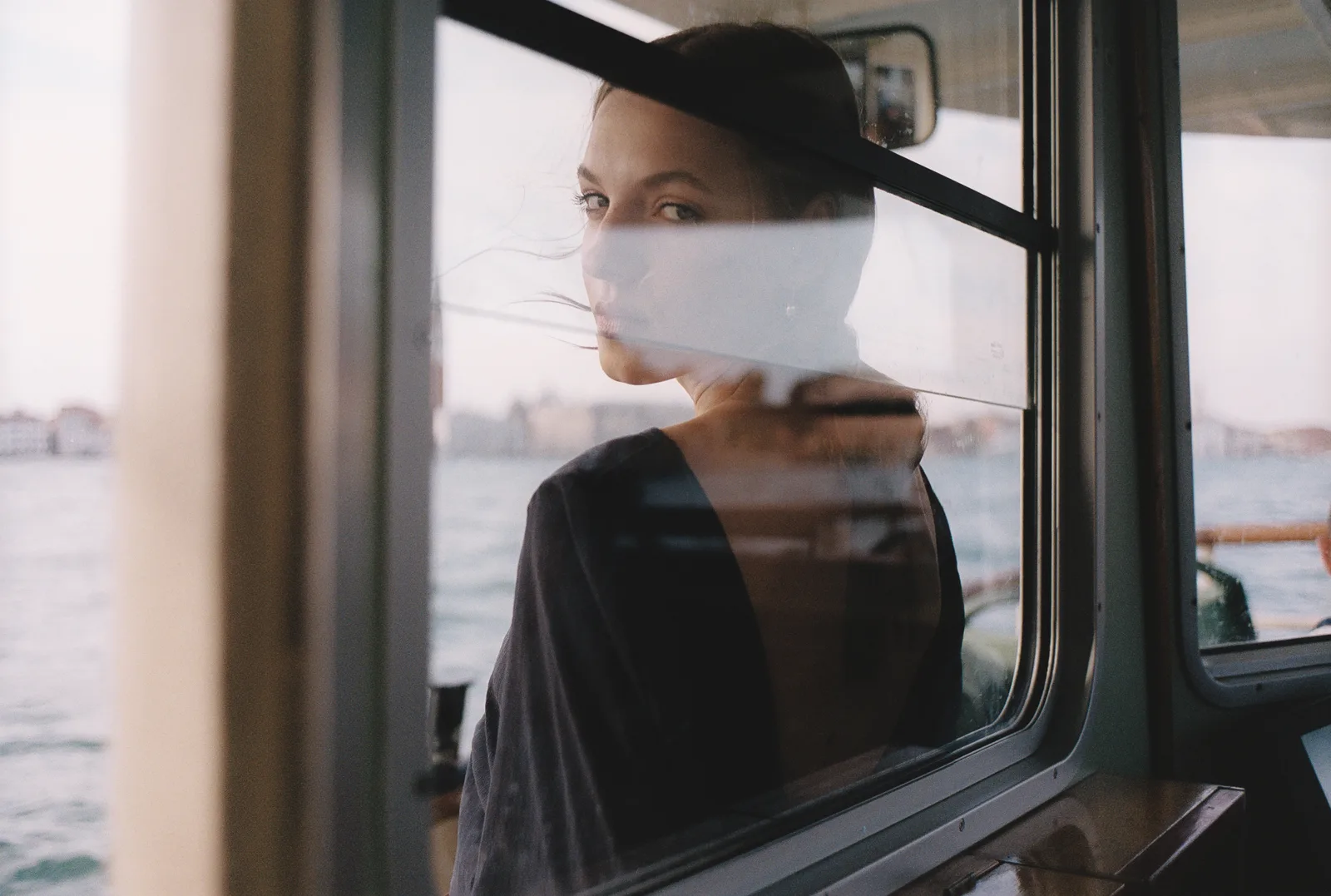
The negative, and the photograph in it.
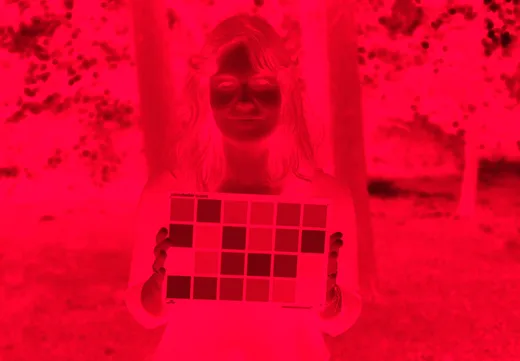
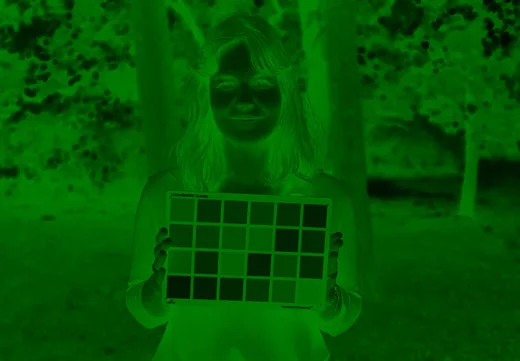
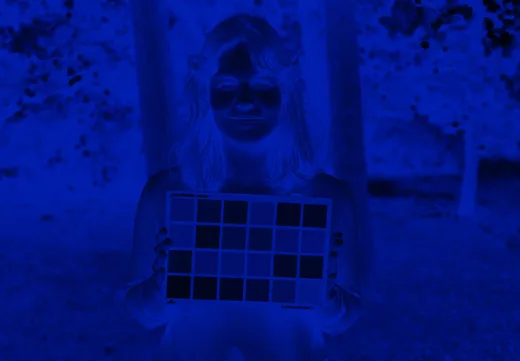
Three exposures go in, one through each narrow band. Together they are the colour negative — orange mask and all. Right is what Trichroma Lab made of it: the same frame, nothing else changed.
The chart is not there to look technical. This is one of the frames the colour transform was worked out on. A chart on film, scanned on a Frontier SP‑500, is how that scanner's colour stages were recovered — its own raw in, its own finished scan out; flat patches spanning the gamut are the only thing that pins a transform down. And a chart is the only thing in a picture that can settle whether a colour landed where it should. A face can only look plausible.
665 nm
525 nm
455 nm
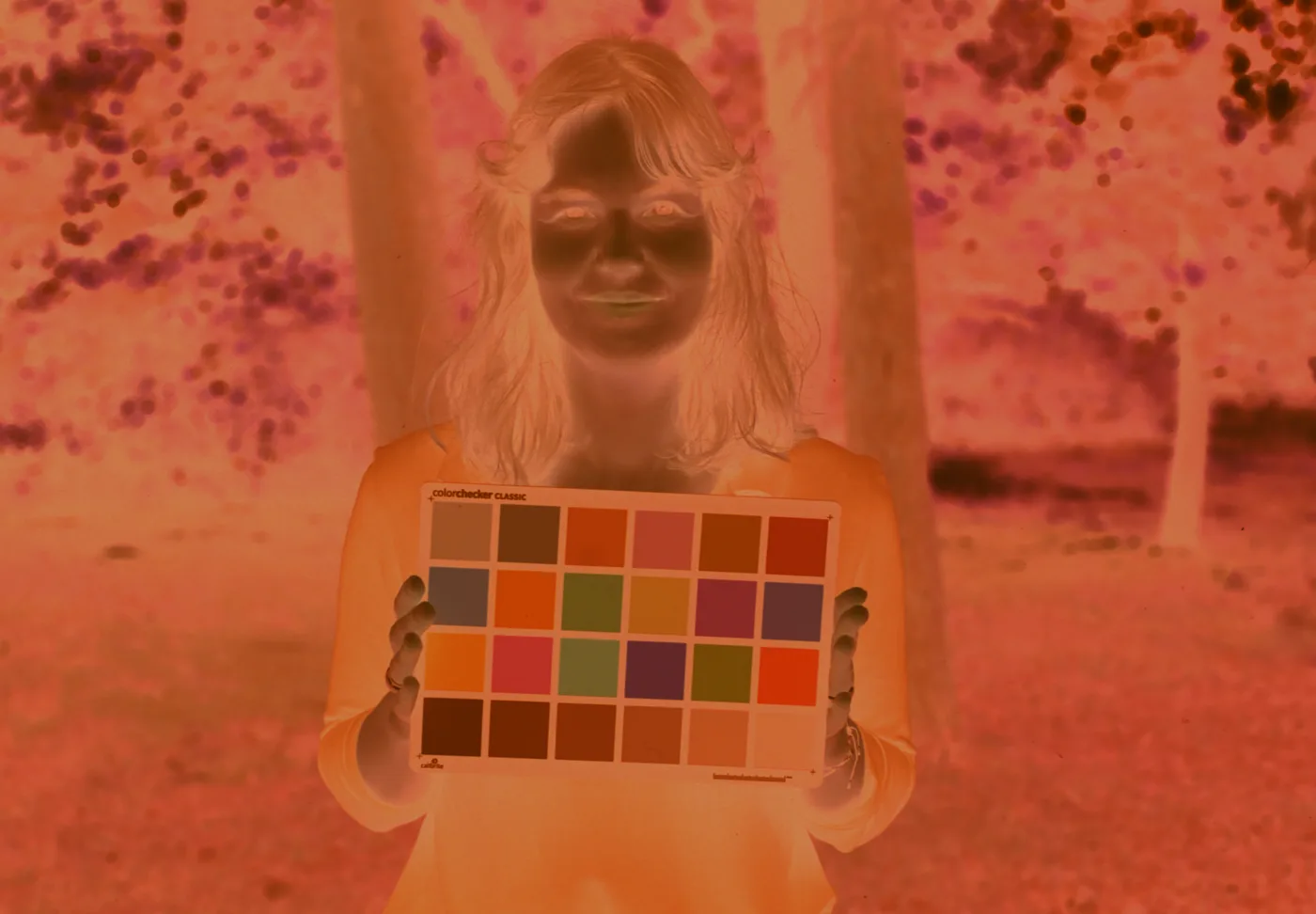
The negative
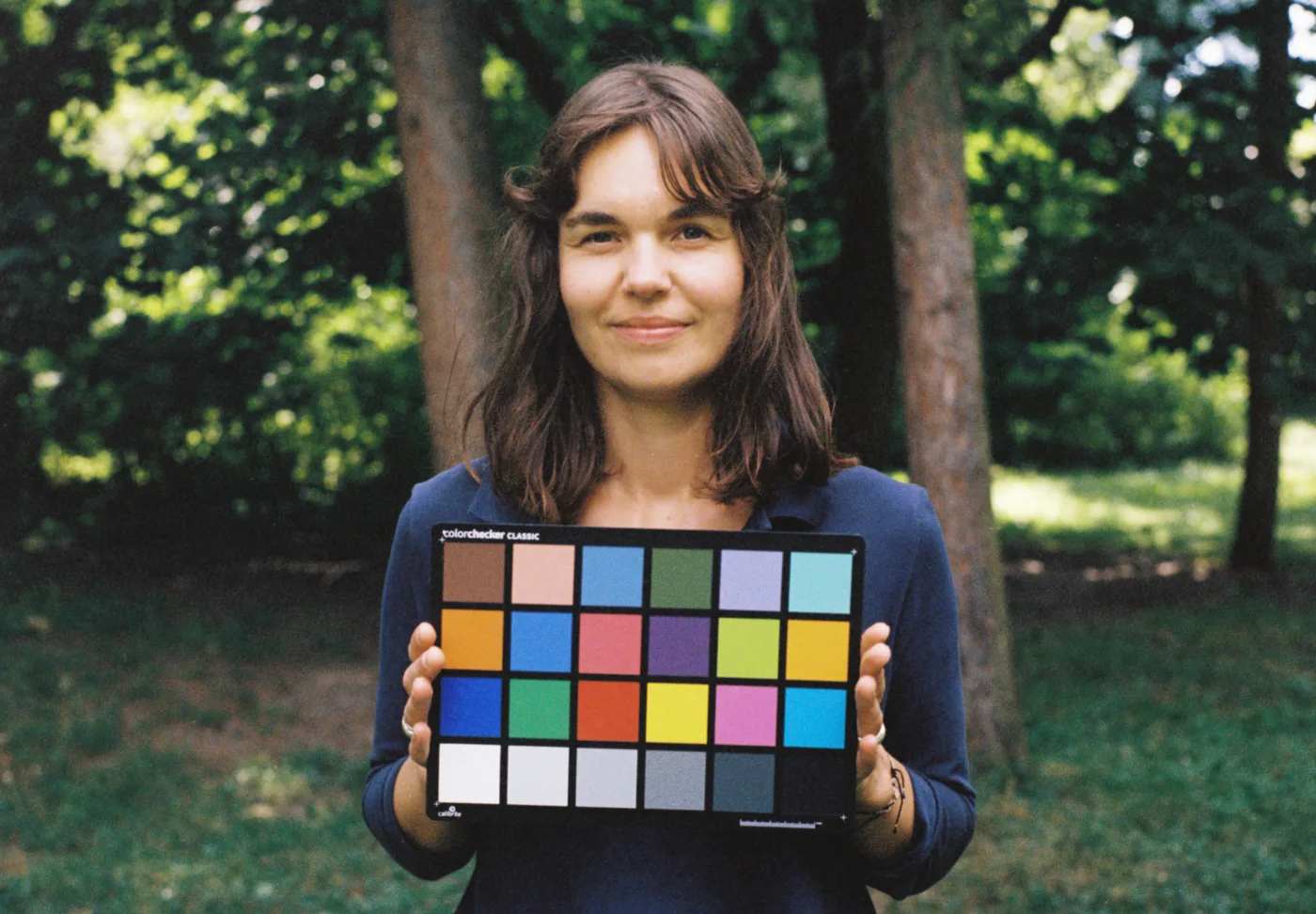
Trichroma Lab
Against a lab scan
The same frame: a Frontier SP‑3000, and a camera on a copy stand.
Six negatives, six emulsions — each pair cropped to the same frame and both with the rebate left off, because a border on one side alone is a tell and a light surround shifts how you read the colour inside it.
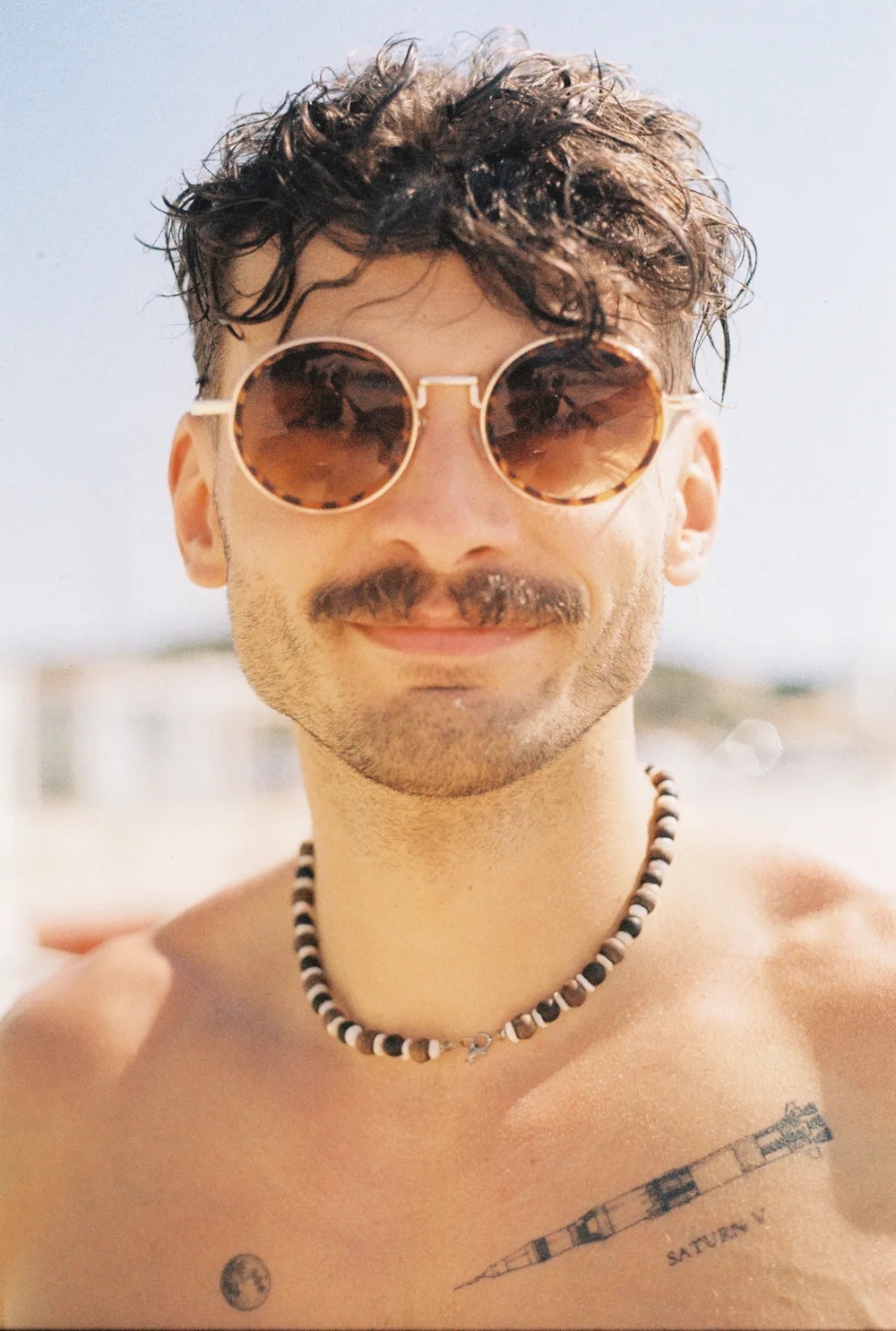
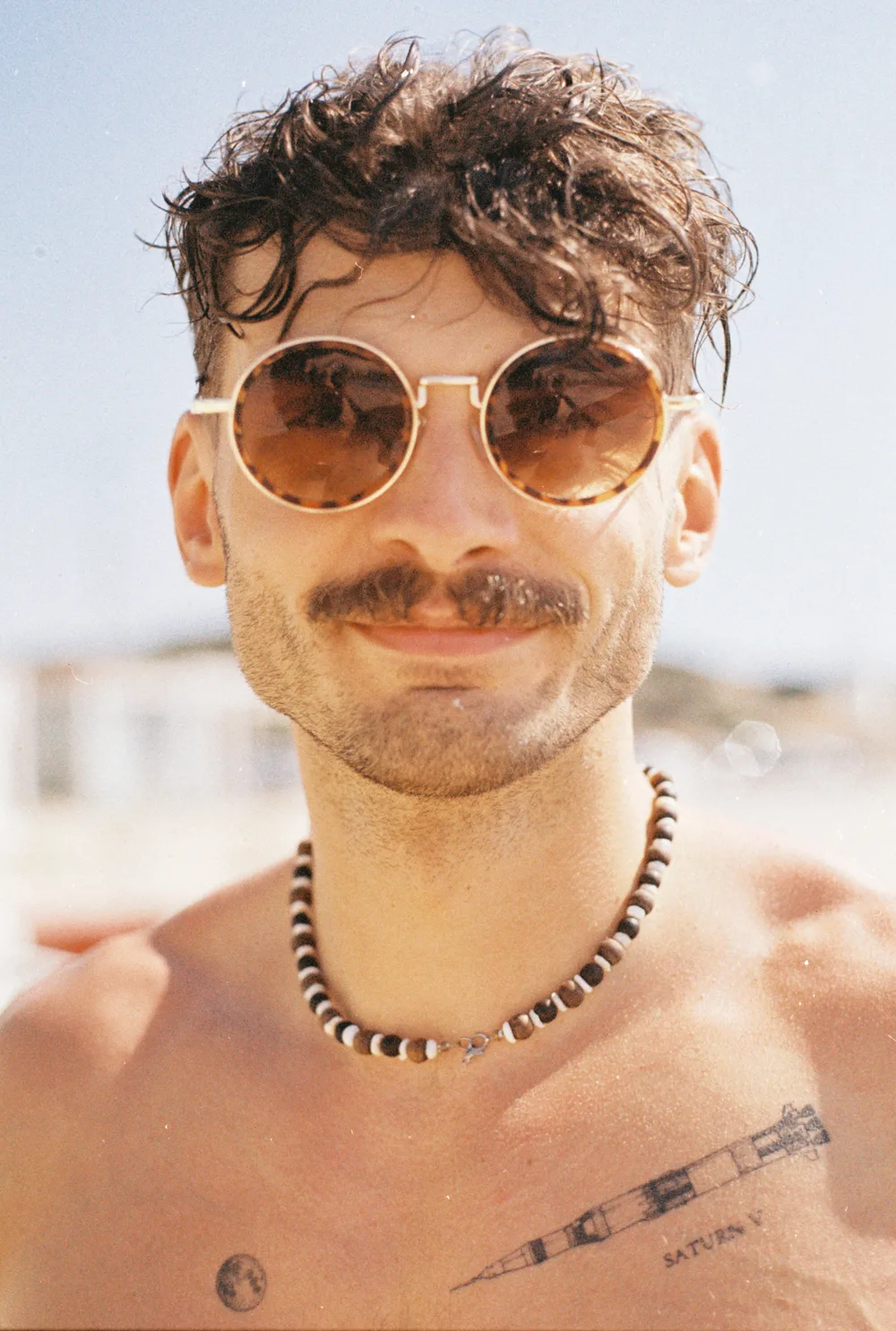
Opticolor 200 Narrowband RGB · 665 · 525 · 455 nm
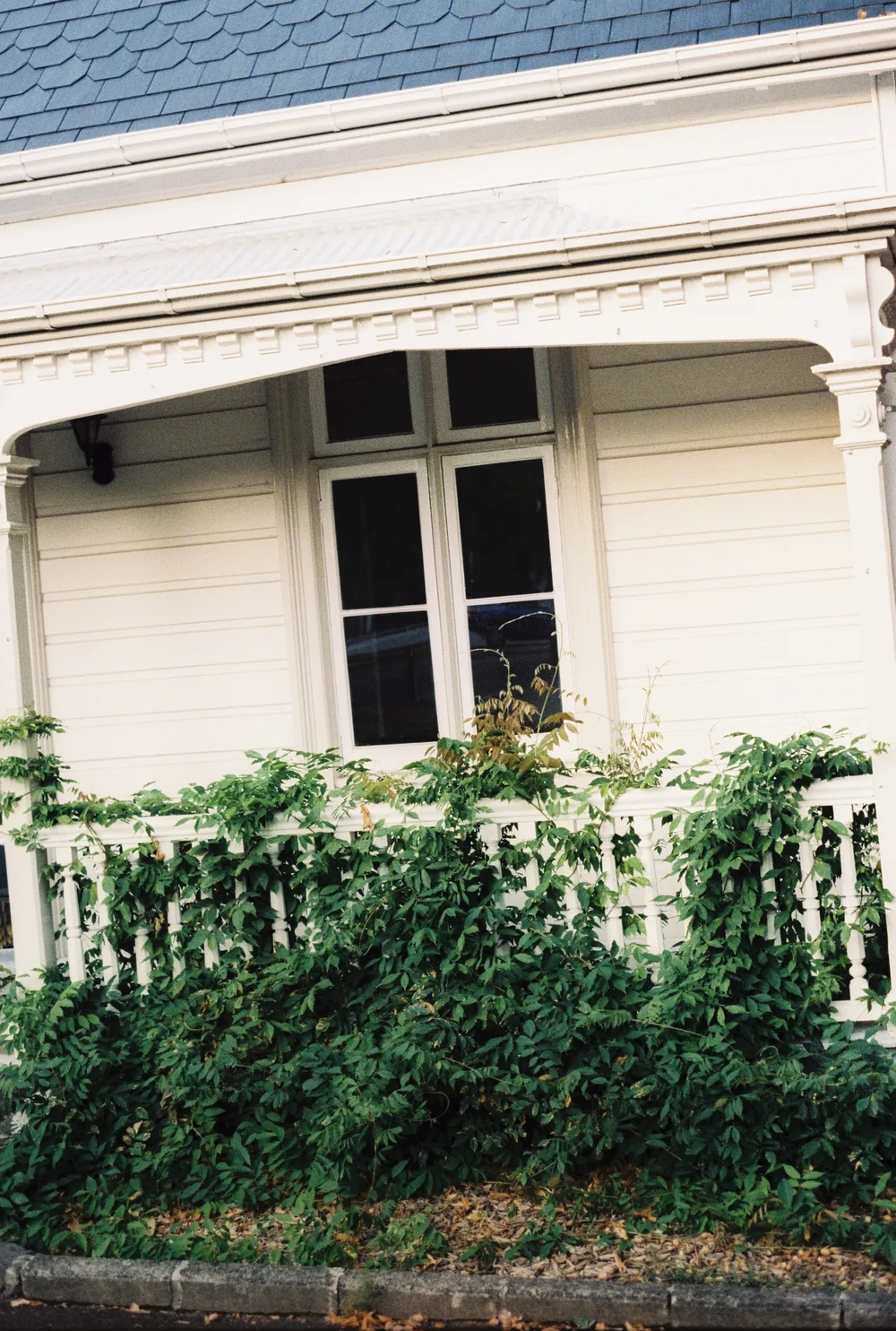
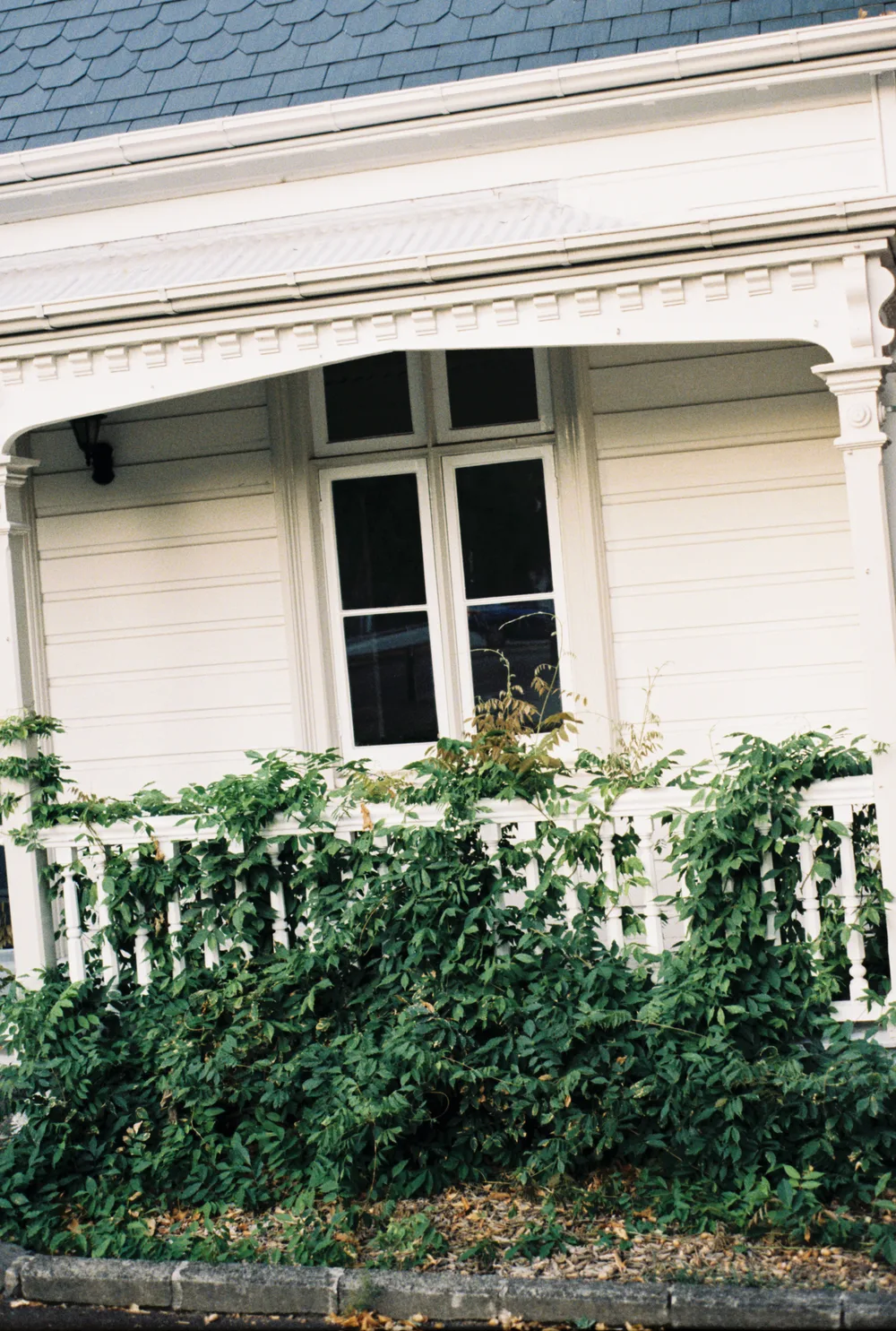
Lomo 400 Narrowband RGB · 665 · 525 · 455 nm
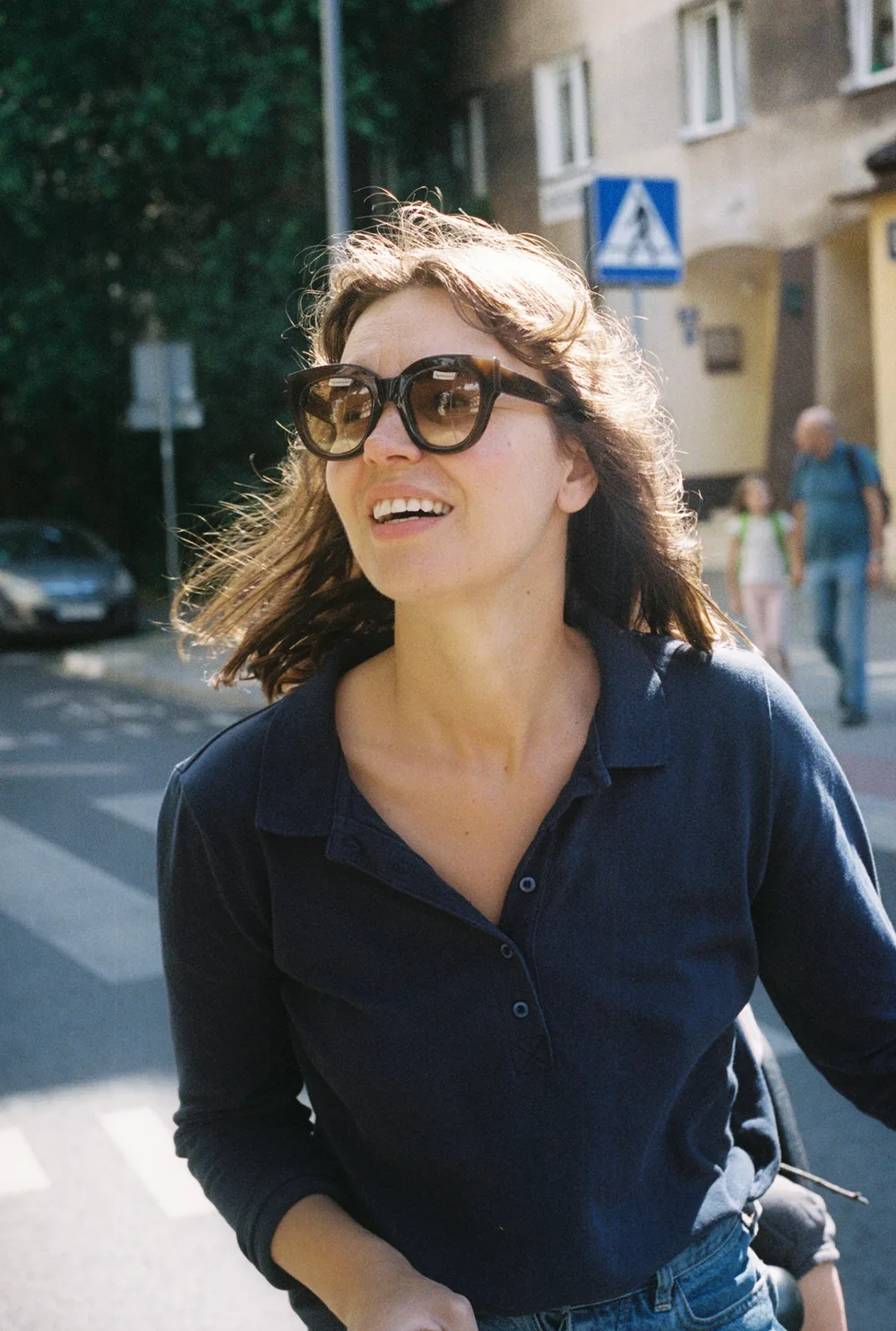
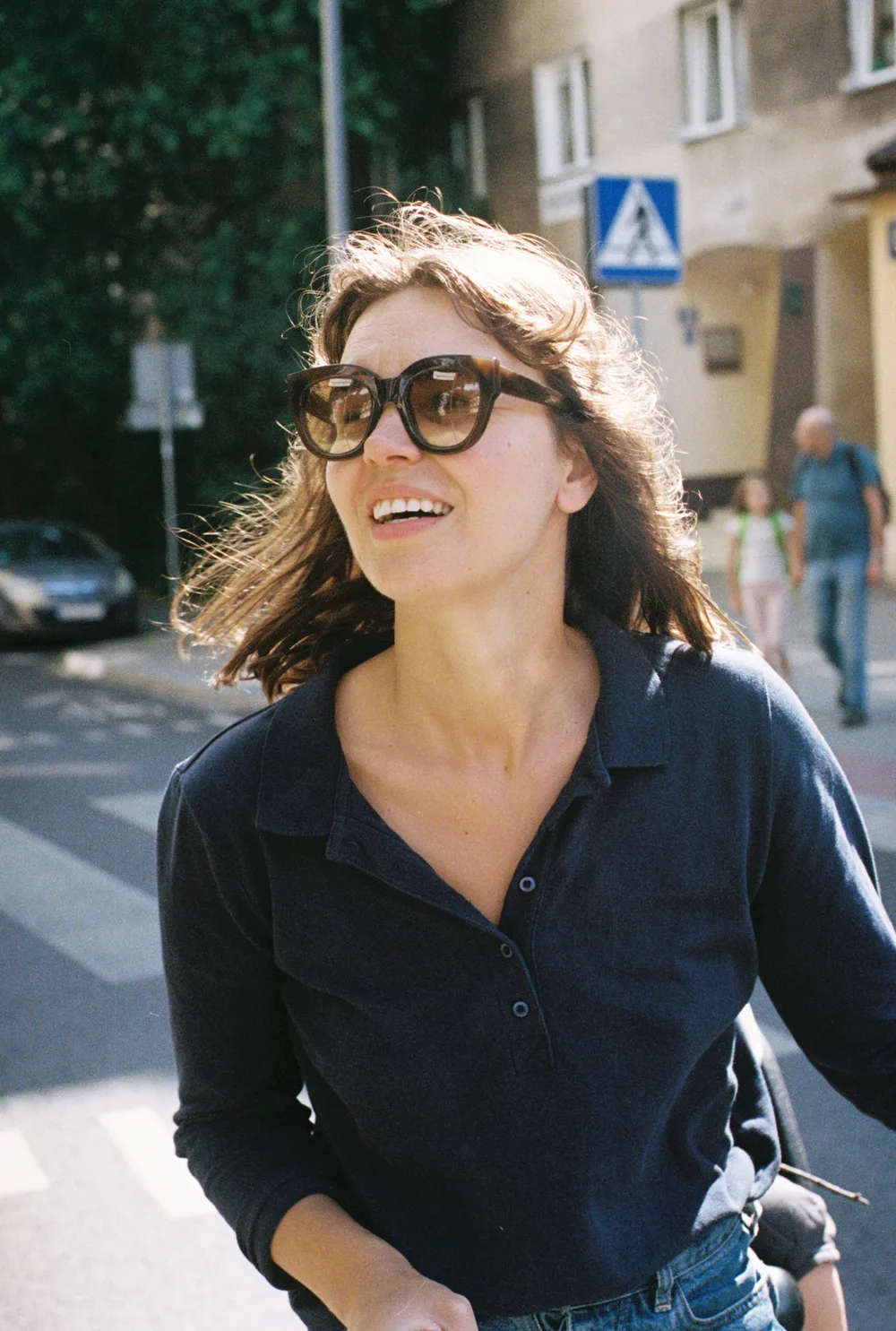
Portra 400 Narrowband RGB · 665 · 525 · 455 nm
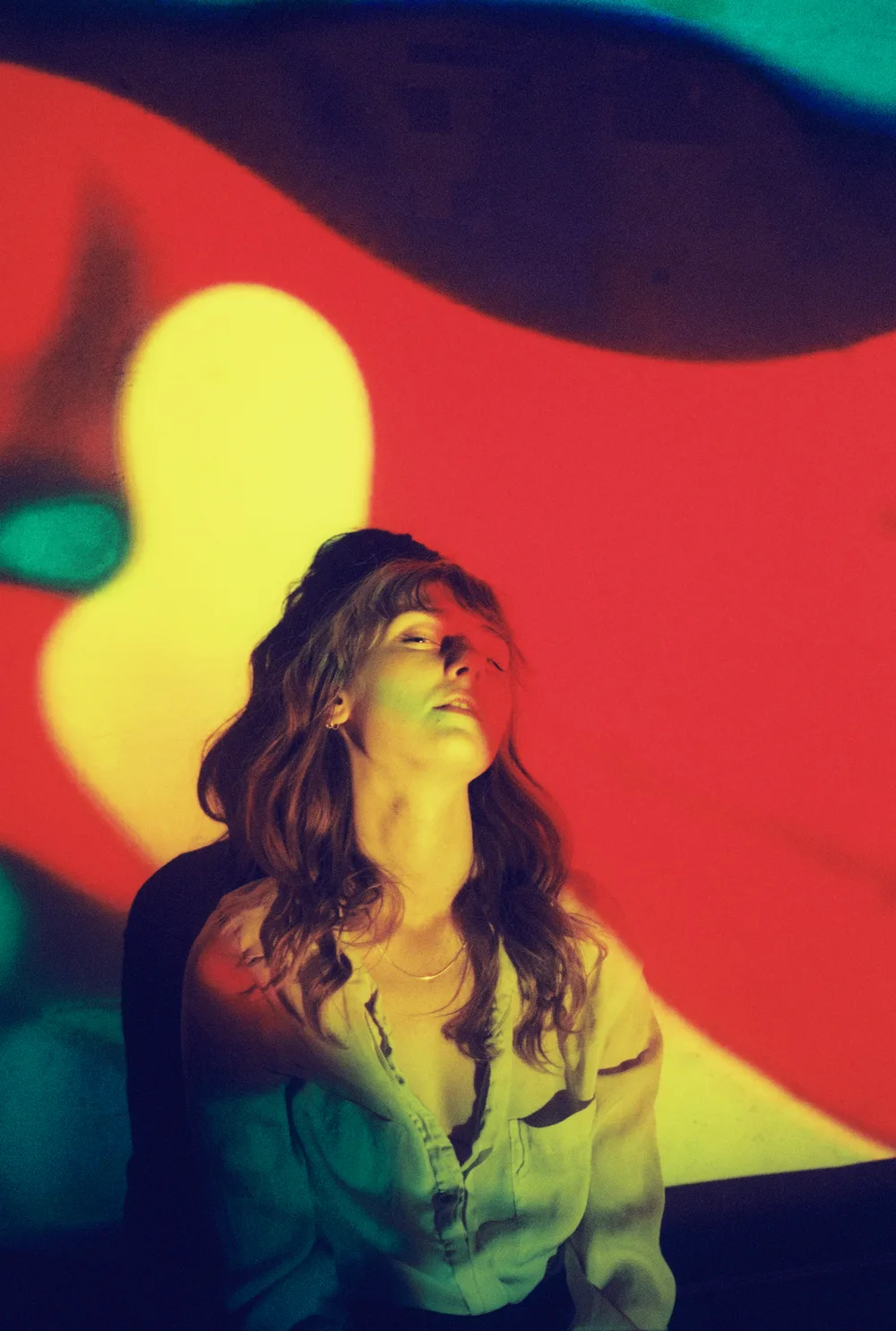
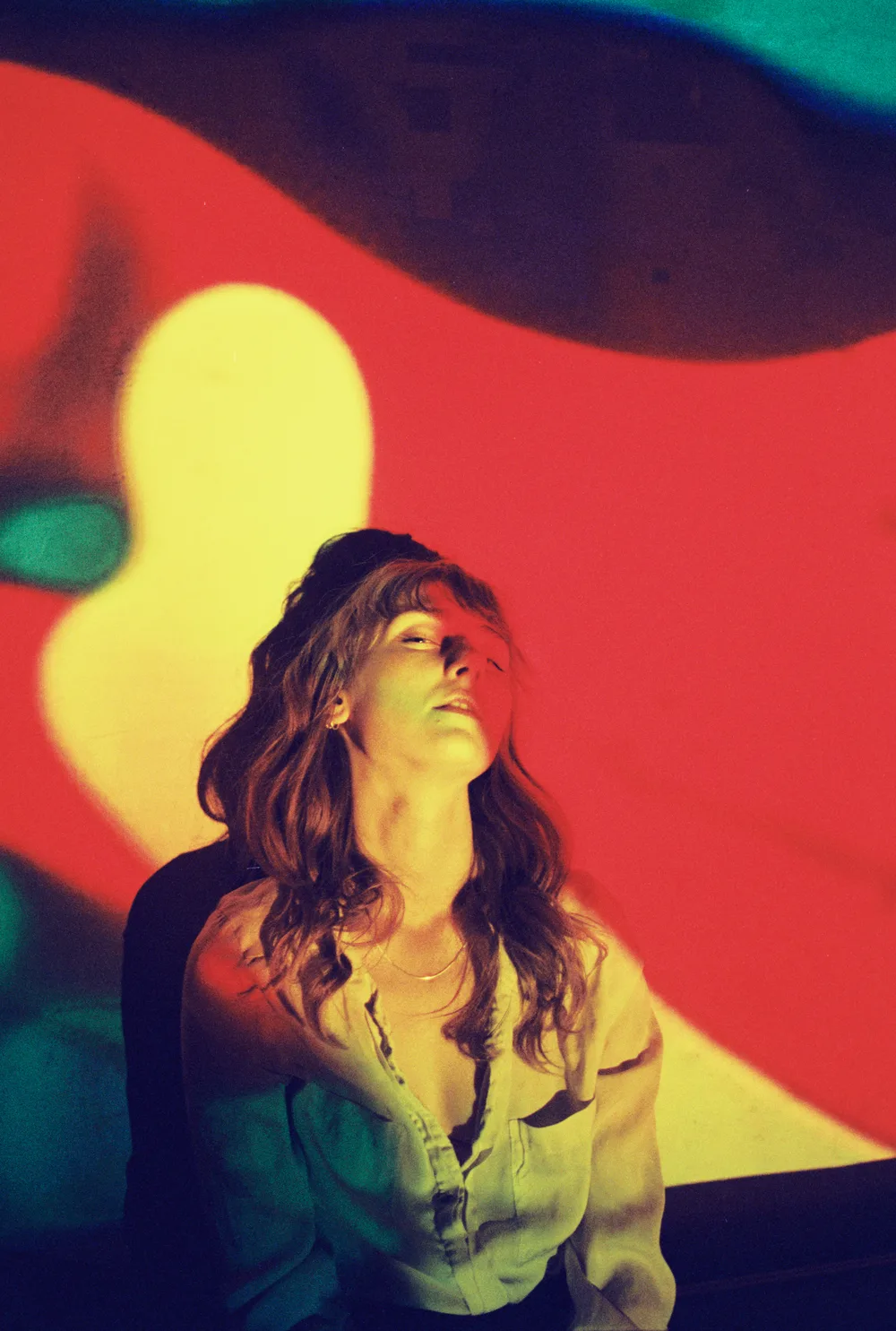
Portra 800 Narrowband RGB · 665 · 525 · 455 nm
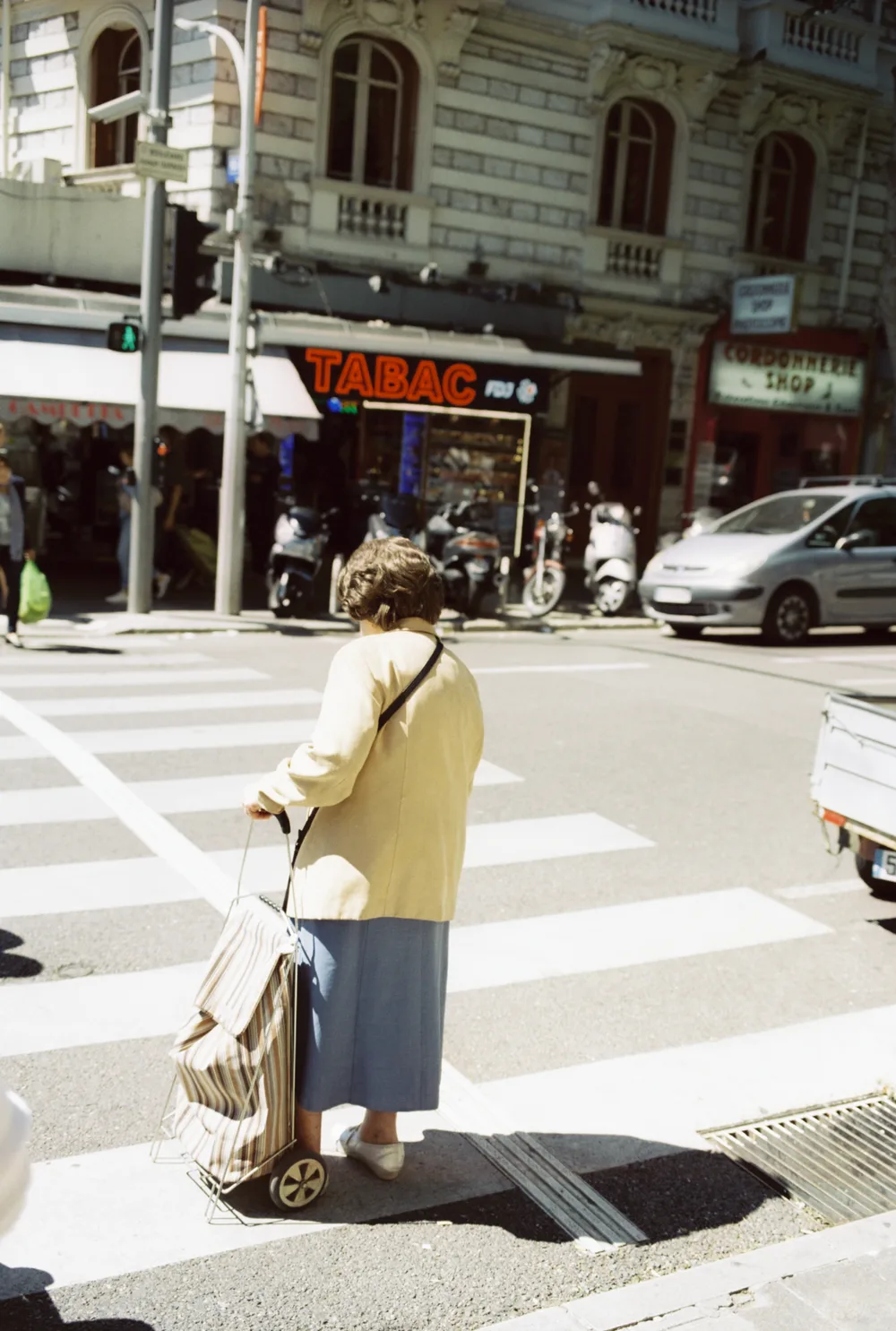
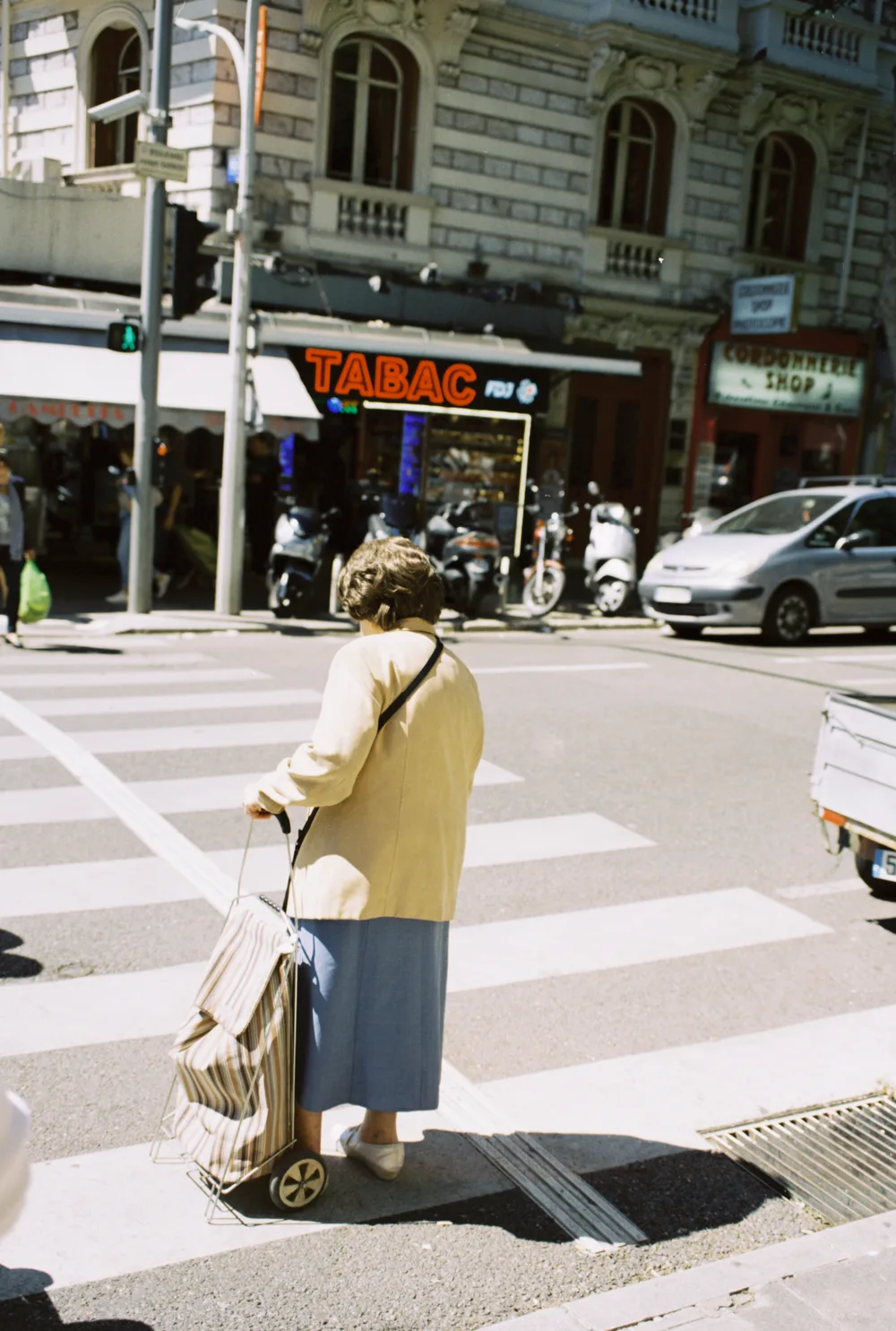
Vision3 50D Narrowband RGB · 665 · 525 · 455 nm
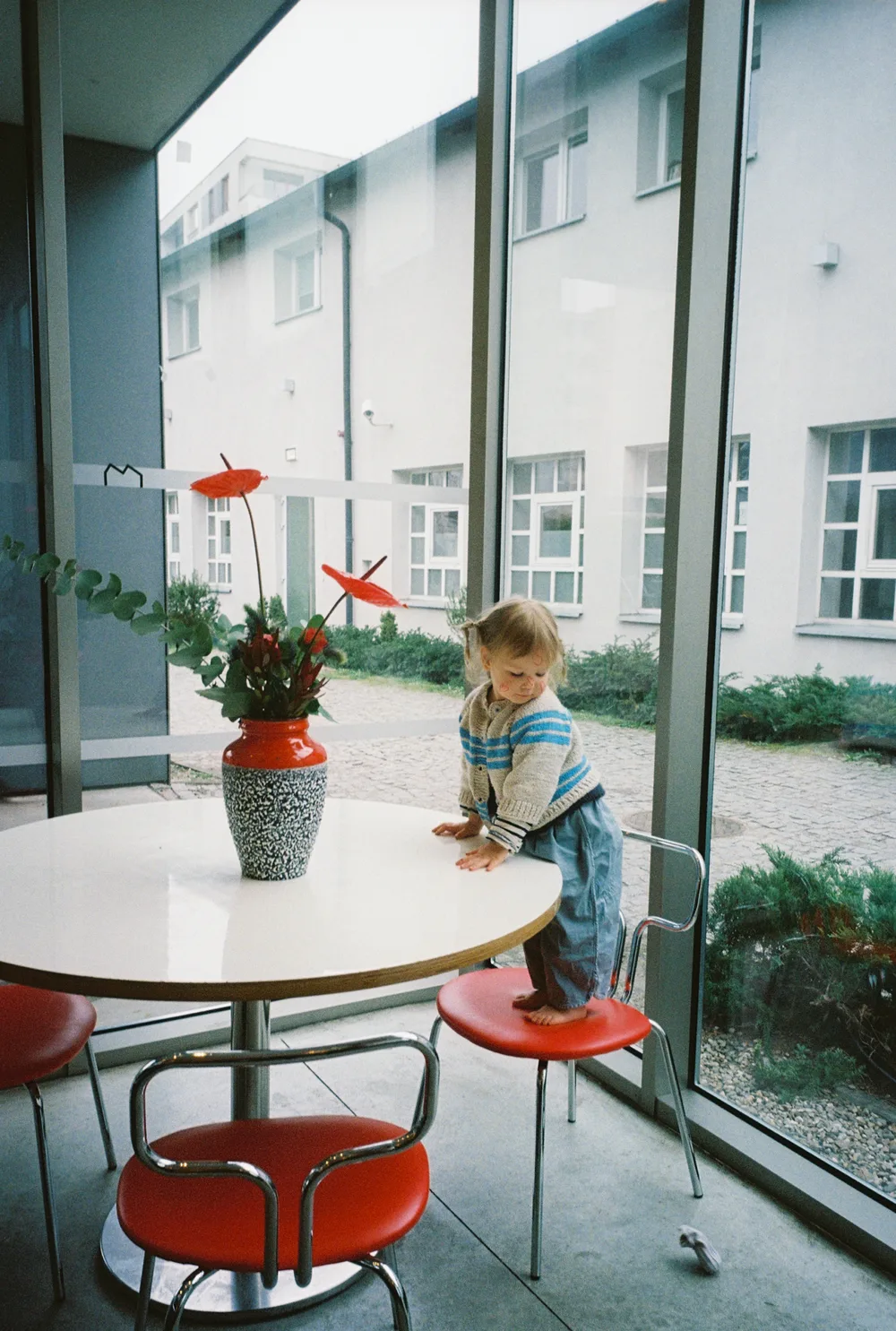
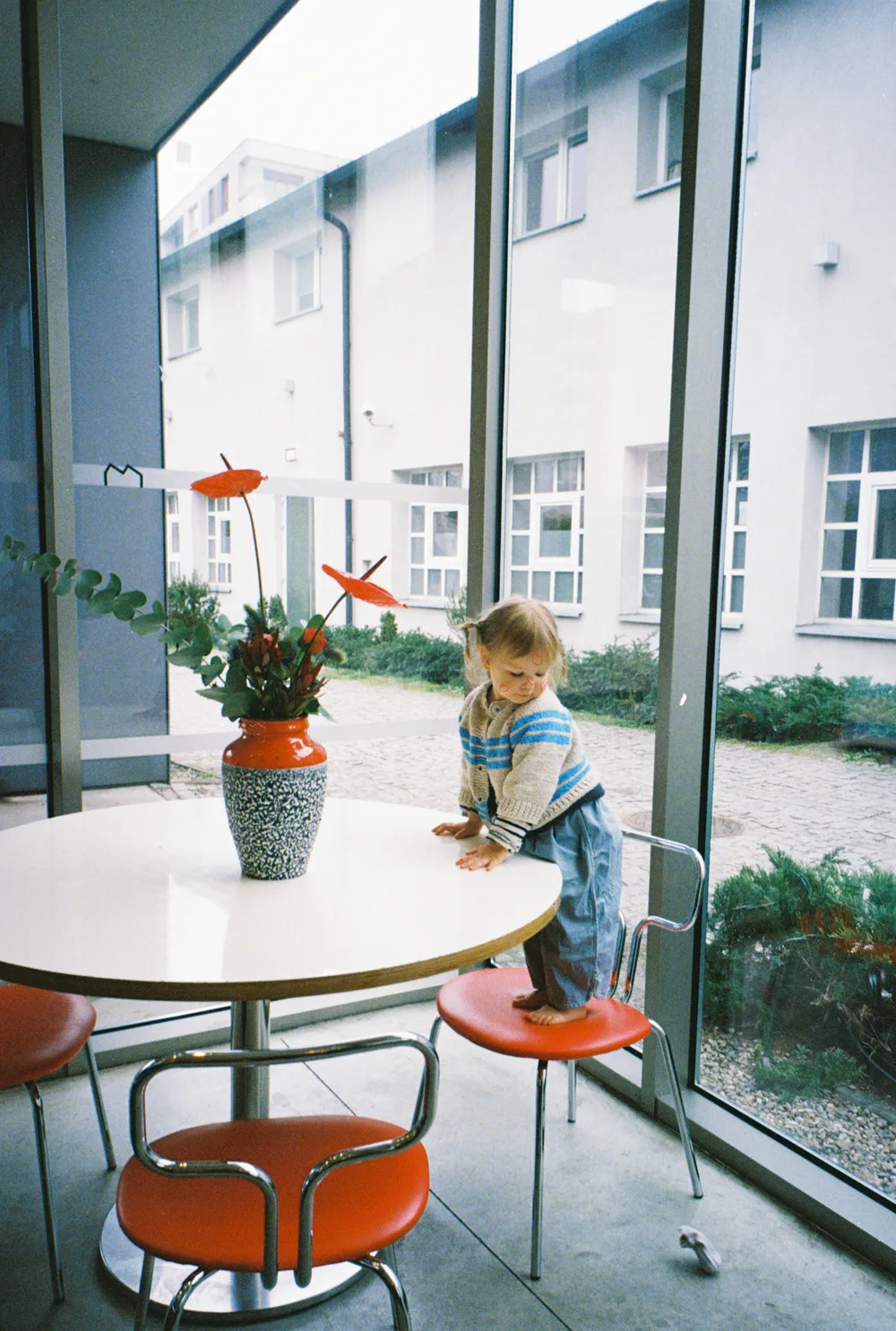
Ultramax 400 Narrowband RGB · 665 · 525 · 455 nm
Both halves of every pair came off this page — same negative, same crop, same compression. Six frames; not a claim about every roll ever shot.
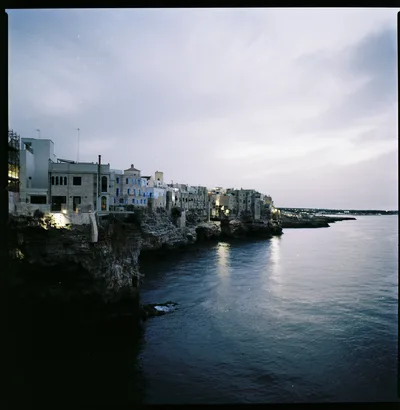
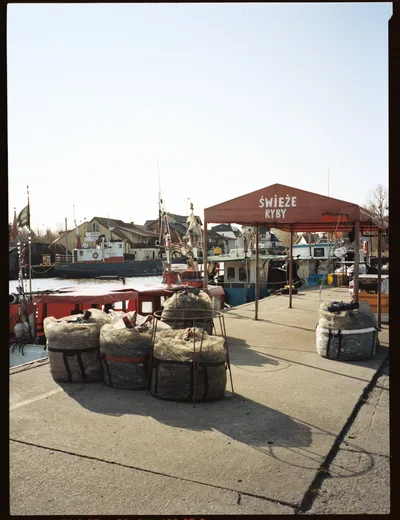
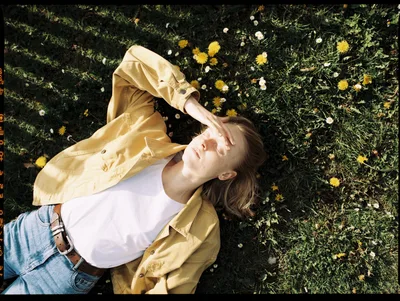
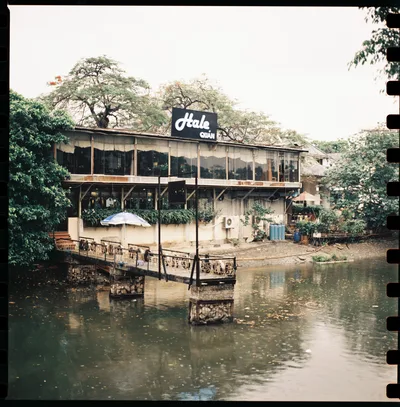
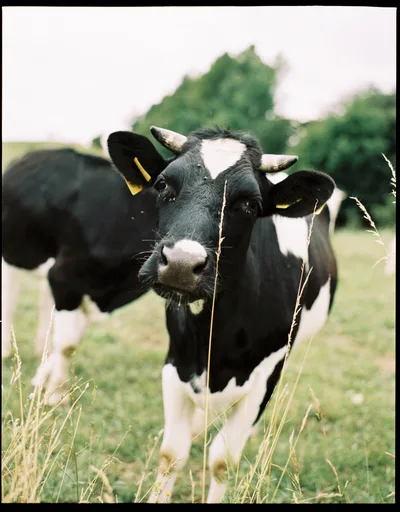
More frames, developed in Trichroma Lab and shown on their own, with no lab scan beside them.
Show moreWhere the look comes from
Not a preset. A pipeline — and it is measured.
A lab scanner does not lay a look over a scan. It measures the negative and computes one, in fixed stages, and the Frontier SP‑3000 and its smaller sibling the SP‑500 compute the same one. Trichroma Lab is an independent implementation of a pipeline of that kind, written in Dart: it measures your film base first and computes from there. Nothing in it is a curve drawn by eye.
A second pipeline ships beside it. The Pakon F‑135 computes a different look from the same densities, and Trichroma Lab is an independent implementation of that one too — on 35 mm and on 120.
Every stage is pinned by generated parity vectors that run on every build. The integer stages are compared exactly — a difference of one is a difference in the rule. The floating-point stages have to agree to within 1e‑9. That is what keeps a build from drifting.
Whether it lands where a lab lands is not something to take on trust. Six negatives above, each developed twice, with every number read off the two files on this page.
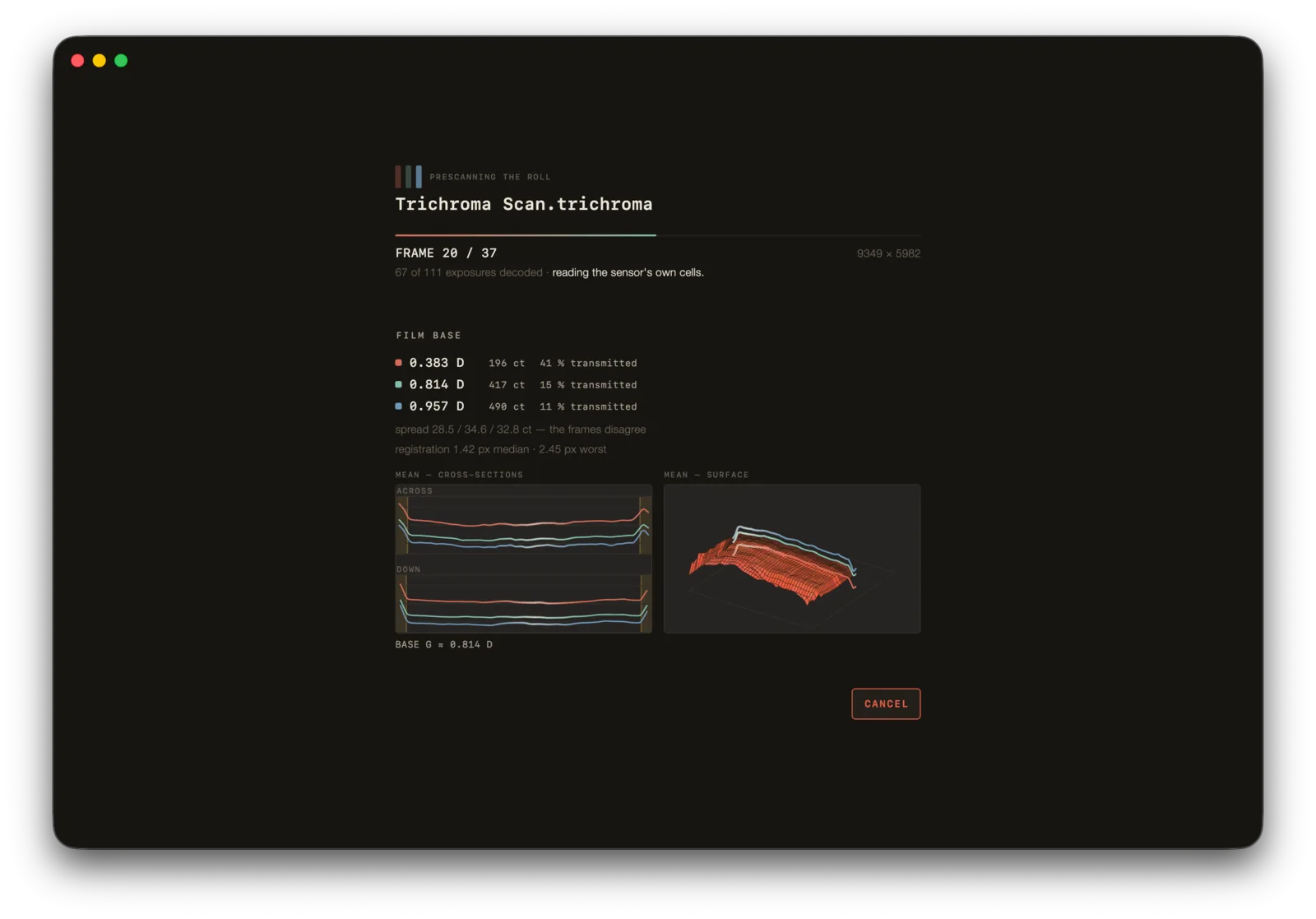
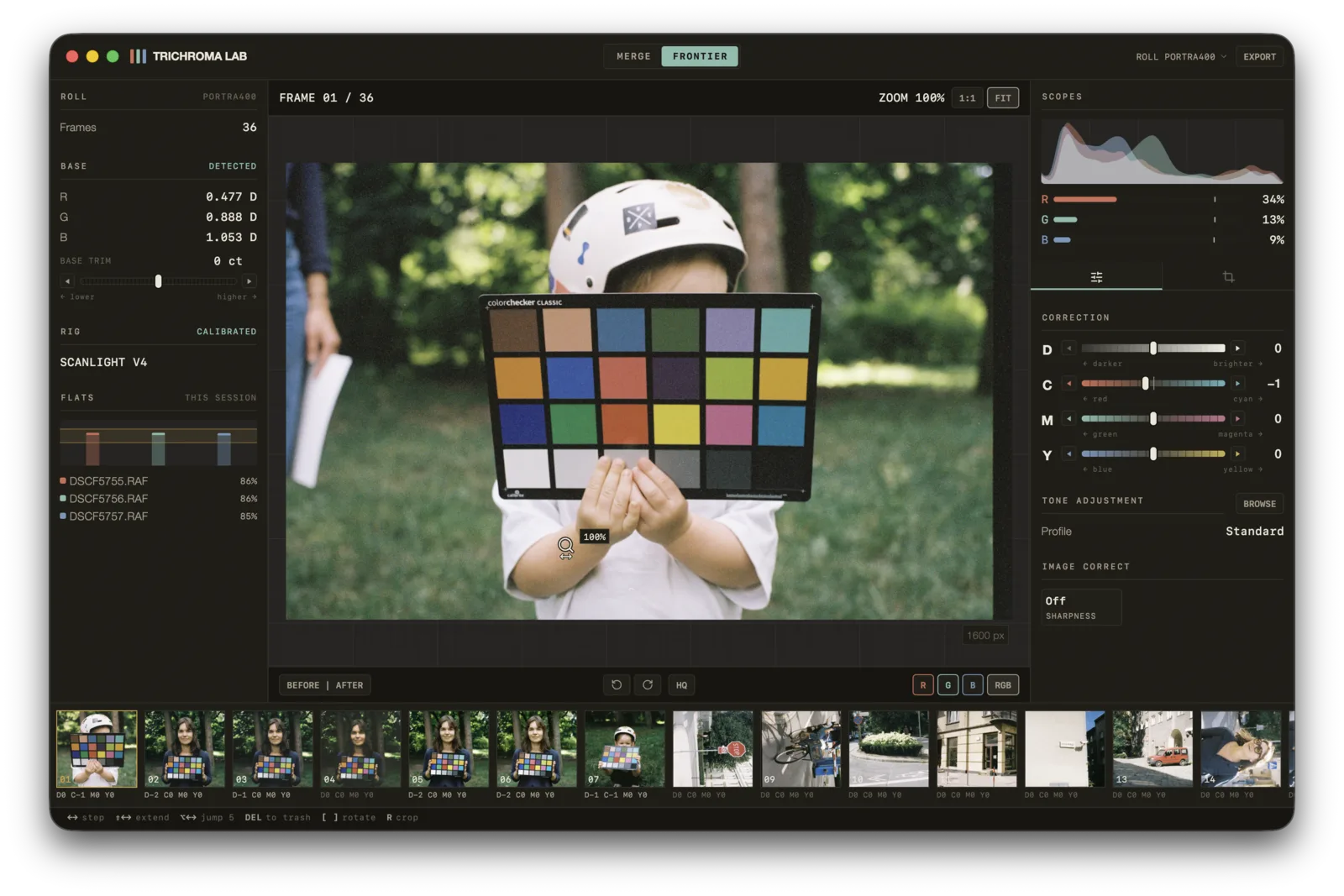
The console
The lab's vocabulary, on a screen built for it.
Density leads, then cyan, magenta and yellow — subtractive naming, because that is how the correction works: +C removes red. Anyone who has had lab scans done already reads this language.
The method
Three exposures, three narrow bands.
A colour negative's dyes are cyan, magenta and yellow. Photograph it under white light and you measure those dyes through your sensor's own filters, which overlap — the channels contaminate each other, and the orange mask has to be guessed away afterwards.
Shoot it three times instead, once under each narrow band, and every exposure measures one dye layer and almost nothing else. That is what a minilab does, and it is why the numbers coming out of it are worth a pipeline this exact.
What it works out by itself
The parts you should never have to do twice.
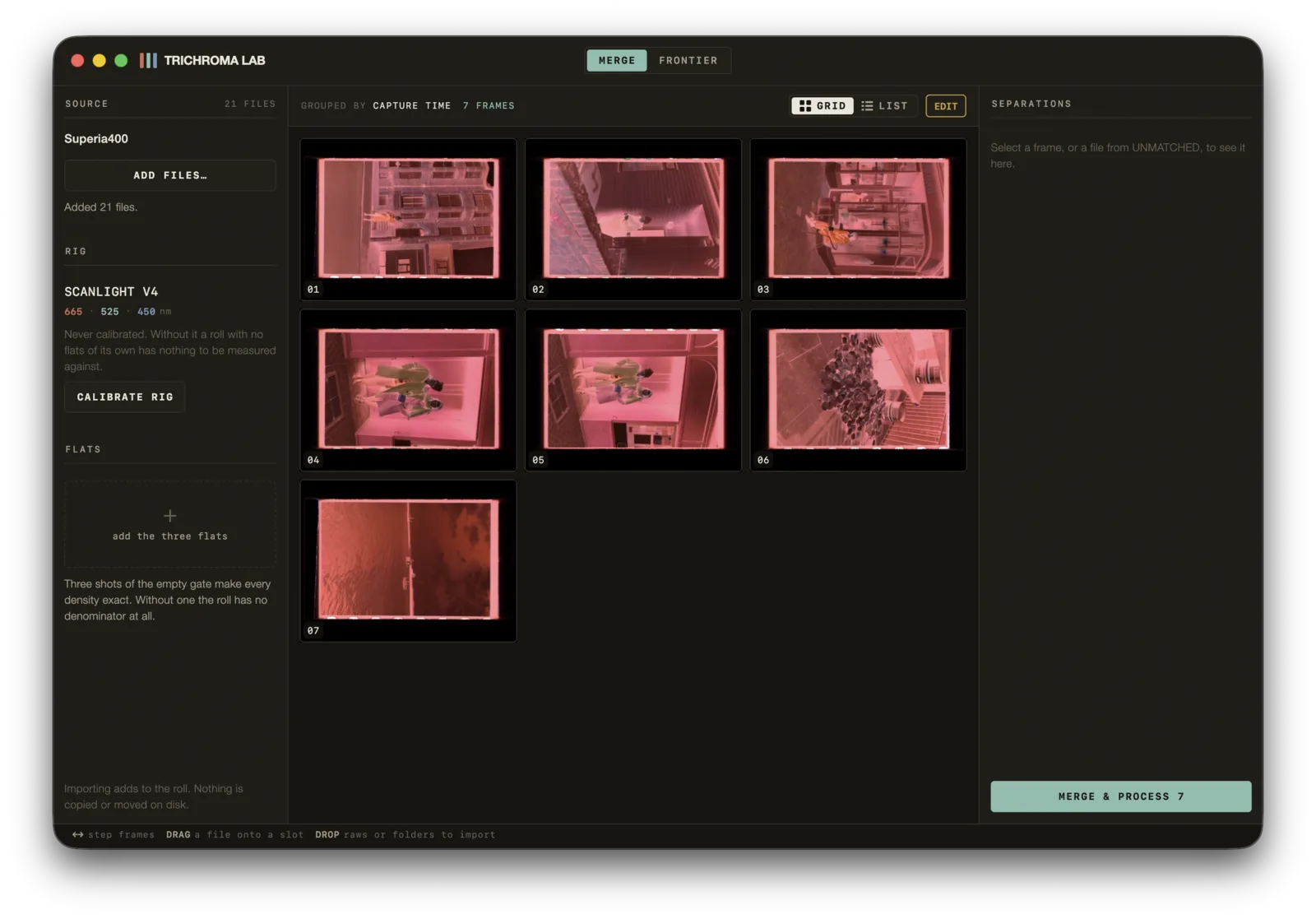
Which three are one frame
Read from filenames, capture time, shot order — and from the image itself, because a red-filtered negative measures nothing like a blue one.
Sub-pixel registration
The three separations are laid over each other to a quarter of a pixel, resampled rather than nudged to the nearest one. Every roll reports how far each channel had drifted.
Film base density
Measured off the clear rebate around each frame, per roll, in density — not picked off a border by eye.
Where the film sits
Mark the holder once. It is saved with the rig, so every roll you shoot on that setup arrives already set.
Crop and straighten
One pass per frame. Frames the detector will not commit to are left whole, and the app says so.
Faces and scene contrast
Found on a small positive, four rotations deep, because a film frame's orientation is unknown. Contrast is measured during the roll pass — a reading, not a switch.
Read this before you buy
One rig so far — but two lamps on it.
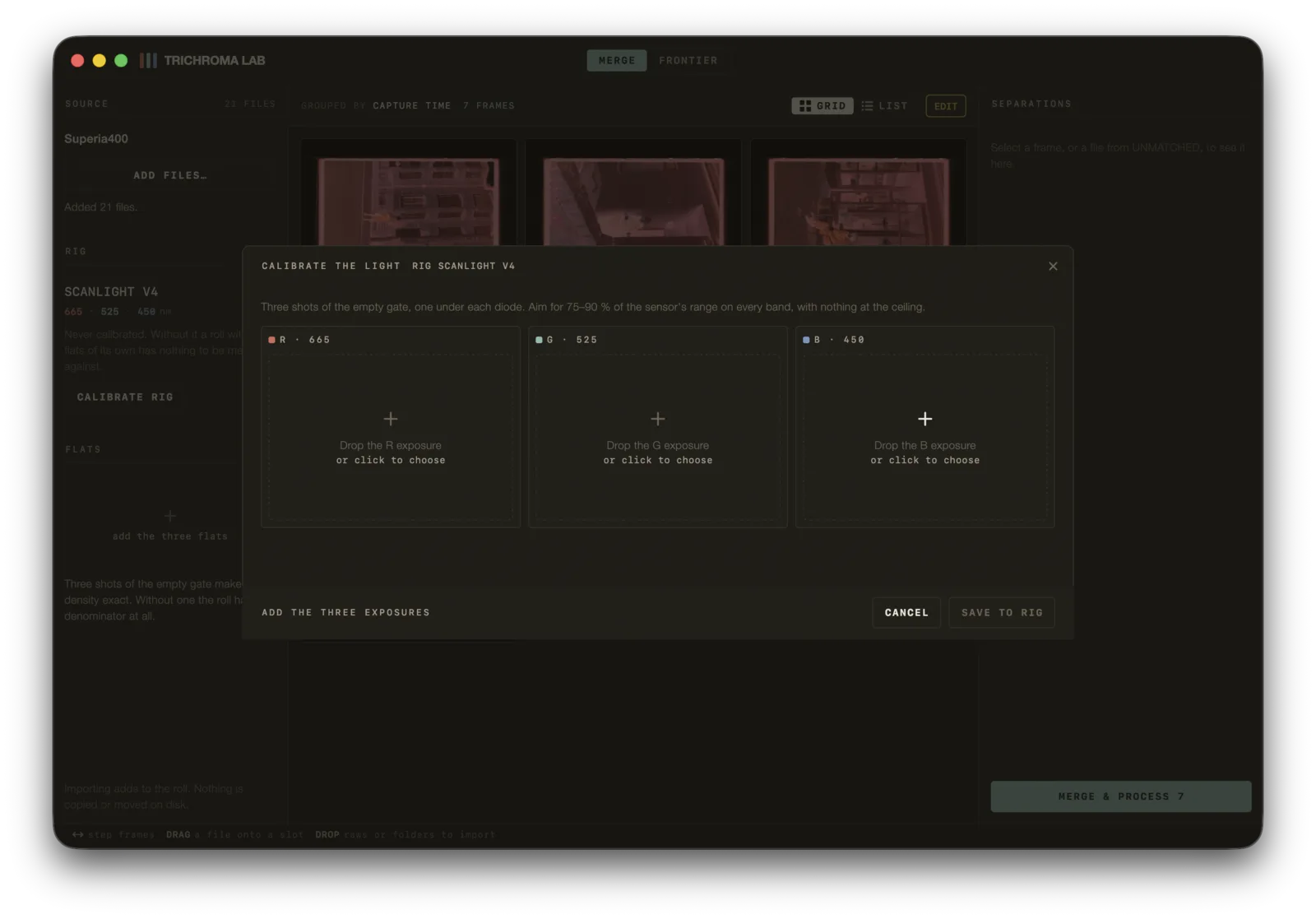
Every frame here was shot on the one station this is calibrated for: a Scanlight v4 at 665, 525 and 455 nm, the light the app names Narrowband RGB. Under those three bands it never asks what film you shot — the base is read off your own rebate. The same station also takes one white-light exposure instead of three, but its channels arrive already mixed by the camera's filters, so there you name the emulsion from a table of twenty. Against three bands, over a roll, that costs about five counts a channel.
That unmixing was fitted here and the camera is half of it, so on another body or another lamp the colour lands somewhere else — and I cannot tell you where until I have seen it. If you have a rig, write to me or post it on Discord: we work out its calibration together and it ships in the next build.
Rolls
Colour negative, developed here.
Shot on 35 mm and 120 — XPan frames among them — scanned on a copy stand, and developed in Trichroma Lab. Cropped to a common frame here; the negatives are not.
Questions
The things worth asking first.
- What do I actually have to shoot?
- Three exposures of every negative — one under a red band, one green, one blue — plus three shots of the empty gate once per session. Import them in any order; the app works out which three belong together. There is also a one-shot white-light mode for when you have no RGB lamp: one exposure per negative, one flat, and you name the film — which the three-band path never asks you to do.
- Does it work with my camera?
- It reads NEF, NRW, CR2, CR3, ARW, DNG, RAF, ORF, RW2 and PEF, plus TIFF if you have already-developed scans. Under the three bands there are no per-camera profiles to pick, because the bands are what defines the measurement, not the sensor's own filters. Under white light it is the other way round — the sensor's filters are half the instrument there, which is why that mode is calibrated for a named station rather than offered blind.
- Do I need Lightroom?
- No. Trichroma Lab is a standalone application for macOS and Windows, and the raws you import are never moved or changed. A roll is a single
.trichromafile that keeps its own copy of the sensor data it needs — not your raw files — so it opens, re-renders and exports without them; keep the raws as your archive. What you export is yours, in open formats: a TIFF, a JPEG, or the negative itself as a linear 16-bit TIFF for another converter. - My light source is not the one you built this on.
- It depends which way it differs. A white lamp is a mode the app already has, measured on the one station this was built on. Bands at other wavelengths, or the same lamp on a different camera, change the measurement itself — the app will still develop the roll, but the colour will not land where these frames landed, and I cannot tell you in advance where it will. Get in touch and we will measure yours.
- What does it cost?
- Two plans: Personal for your own rolls — monthly, yearly or once — and Pro, by the month or the year, which adds the 16-bit colour chain, the graphics-card preview, background runs and FRONTIER PRO. Every plan starts with a free trial of 7 days and 15 rolls, with no account. Prices and the full comparison are on /pricing.
- Is my film stock supported?
- Twenty stocks have a measured base in the app. Under the three bands you are never asked which one you shot — the base is read off your own rebate on every roll, so an unlisted stock is not a wall. Under white light you do name it, because a single exposure cannot measure that base itself; your roll's own base then tunes the table entry to your development batch.
Get started
Try it on your own film.
Download the app and start the trial from inside it: 7 days and 15 rolls, with everything on, no account and no card. Then pick a plan.
macOS 14+, universal · Windows 10 22H2+, x64